



Start with how each person works
The right laptop depends on the job, not on the biggest specification you can afford. Before comparing models, group your staff by how they work:
- Office and admin work: Microsoft 365, email, Teams calls and a busy web browser.
- Heavier work: large spreadsheets, accounts packages, design software or many applications open at once.
- Out and about: people who work from sites, clients' premises or home, where weight and battery life matter most.
- Shared and occasional use: new starters, training rooms, hot desks and temporary staff.
Most small businesses need two or three standard specifications rather than a different laptop for every person. Standard models are easier to support, set up and replace.
The specs that matter
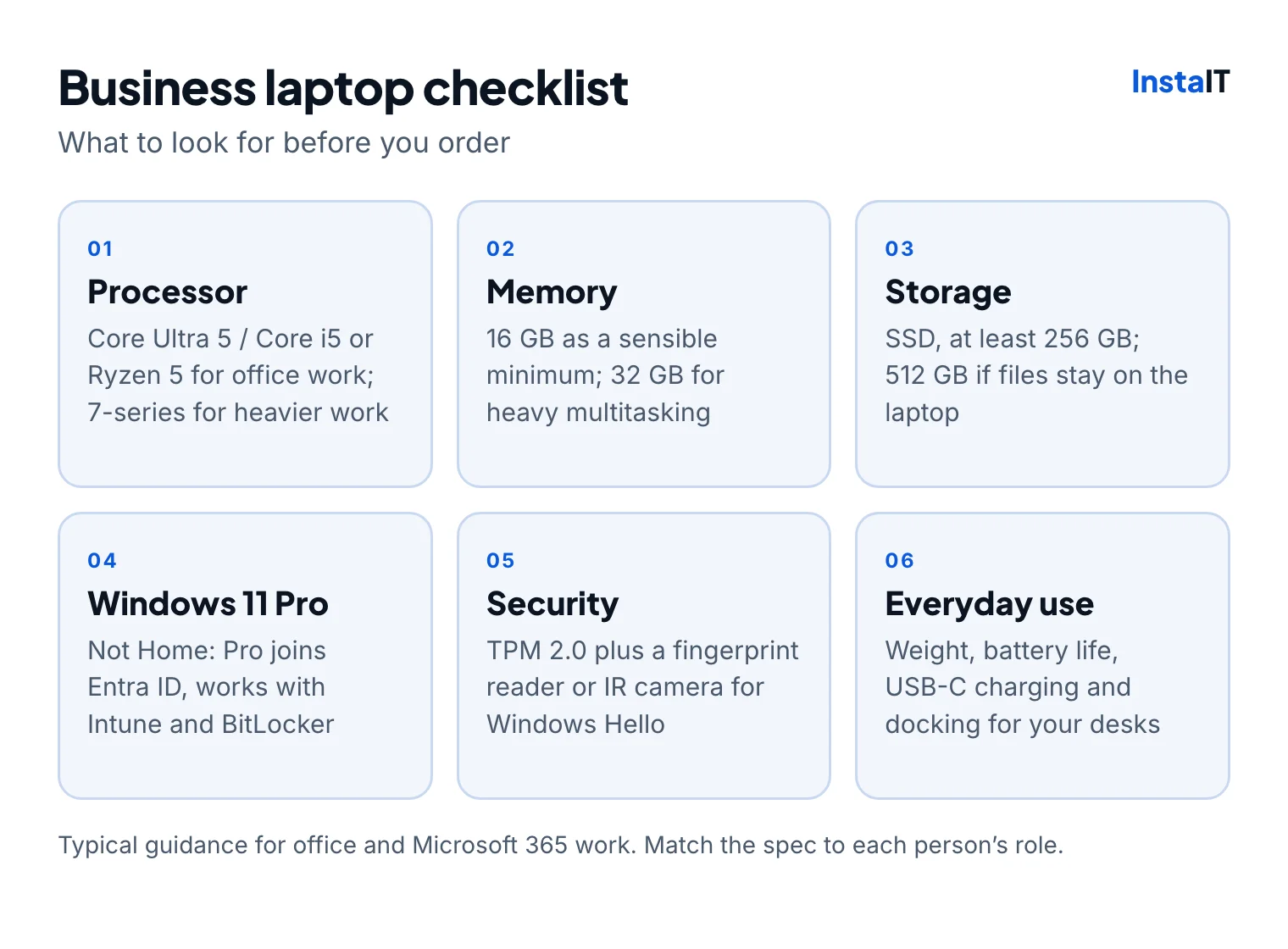
- Processor: a current Intel Core Ultra 5 or Core i5, or AMD Ryzen 5, comfortably handles office work. Choose a 7-series processor for heavier workloads.
- Memory: 16 GB is a sensible minimum for Microsoft 365, Teams and a browser with many tabs. 8 GB laptops are cheaper but struggle within a year or two. Heavy multitaskers benefit from 32 GB.
- Storage: always an SSD. 256 GB suits staff whose files live in OneDrive or SharePoint; choose 512 GB if files are kept on the laptop.
- Windows 11 Pro, not Home: Pro can join Microsoft Entra ID, be managed with Microsoft Intune and use BitLocker encryption. A laptop bought with Windows 11 Home needs an upgrade before it fits into a managed business setup.
- Security hardware: TPM 2.0 is required for Windows 11. A fingerprint reader or IR camera allows Windows Hello sign-in, which is quicker for staff and avoids typing passwords in public.
- Everyday practicalities: weight, battery life, screen size (14-inch is a common balance), USB-C charging and compatibility with your docks and monitors.
Choose business ranges, not consumer models
Dell, HP and Lenovo all make separate business ranges: Dell Latitude, HP ProBook and EliteBook, and Lenovo ThinkPad are the best known. They typically cost more than consumer laptops with similar headline specs, but they are built for daily business use.
Business models are usually easier to repair, are sold with business warranty options and stay on the market longer, which makes it simpler to buy matching laptops and docks later. Consumer laptops often come with Windows 11 Home and are aimed at a different kind of use.
InstaIT supplies Dell, HP and Lenovo business laptops through our IT procurement service.
New or refurbished?
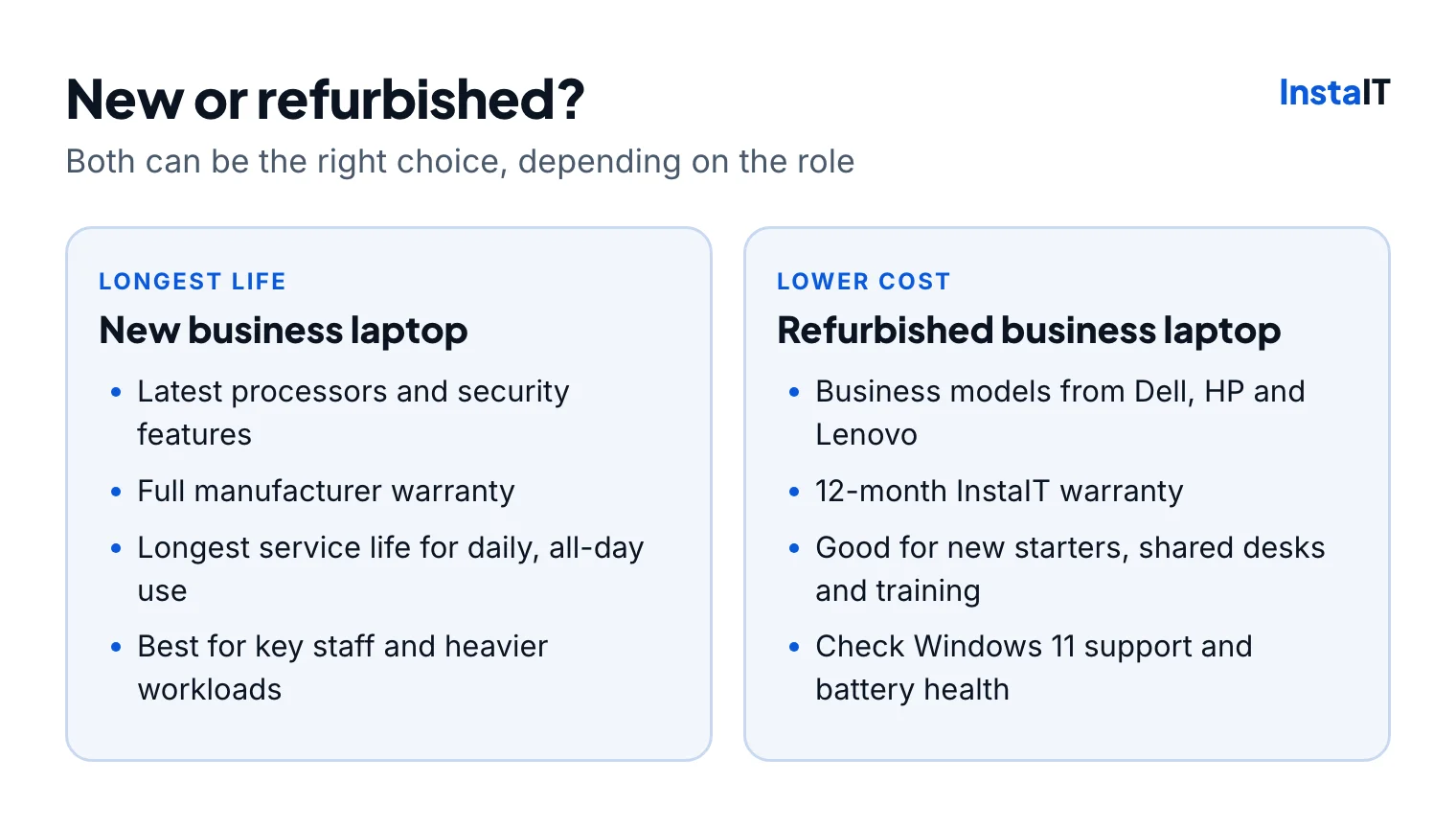
New laptops give you the latest processors and security features, the full manufacturer warranty and the longest service life. They are the right choice for people who use their laptop all day and for heavier workloads.
Refurbished business laptops are a practical way to equip new starters, shared desks, training rooms and temporary teams for less. InstaIT's refurbished business laptops come with a 12-month warranty. Before buying any refurbished laptop, confirm that it supports Windows 11, and ask about its condition and battery health.
Warranty and repairs
The warranty matters as much as the specification when a laptop fails on a busy morning. Ask:
- How long is the warranty, and does it cover the battery?
- Is repair on-site or return-to-base, and how long does a repair usually take?
- Who handles the claim: you, the supplier or the manufacturer?
- Is accidental damage cover available for people who travel?
- Is a spare laptop available while one is being repaired?
New business laptops come with manufacturer warranty terms that vary by model and can often be extended. Keep a record of serial numbers, purchase dates and warranty end dates so you can plan replacements before cover runs out.
Getting laptops ready for staff
A laptop isn't ready when it comes out of the box. It needs updates, applications, security settings and the user's accounts. Through our procurement service, laptops can be configured before delivery so they arrive ready for their user.
For businesses using Microsoft Intune, Windows Autopilot goes a step further: the laptop sets itself up when the user signs in with their work account, applying apps and security settings automatically. It needs Microsoft Intune and Microsoft Entra ID, and each laptop must be registered for Autopilot before it's handed out. InstaIT can arrange Autopilot setup for an additional fee. See our Microsoft Intune and Autopilot services.
Budget for the whole working life
The cheapest laptop on the day is rarely the cheapest over its life. Include setup time, warranty, support and how long the laptop will stay useful. Many businesses plan to replace laptops every three to five years, and buying slightly better specs often adds a year or more of comfortable use.
If you're replacing Windows 10 PCs that can't run Windows 11, our Windows 10 ESU guide explains when replacing beats paying for extended security updates.
Checklist before you order
- Group staff by role and agree two or three standard specs.
- Choose 16 GB of memory, an SSD and Windows 11 Pro as your baseline.
- Stick to business ranges from Dell, HP or Lenovo.
- Decide where refurbished laptops fit, and confirm Windows 11 support.
- Check the warranty length, repair type and battery cover.
- Agree how laptops will be set up, and whether Autopilot is worth it for you.
- Record serial numbers and warranty dates when they arrive.
BUSINESS LAPTOPS IN CORK AND IRELAND
Need laptops for your team?
InstaIT supplies new and refurbished Dell, HP and Lenovo business laptops, with refurbished models covered by a 12-month warranty. Laptops can be set up before delivery, and Autopilot setup is available for an additional fee. See our IT procurement service.
Ask about business laptops